Live tracks, distance from you, approach alerts and answers from our typhoon guide. Everything you know from the website, now in your pocket and always up to date.
Prefer not to install? Use the web app →


The app adds what the web cannot: native location and typhoon approach push alerts. Data is identical to the website and updates in real time.
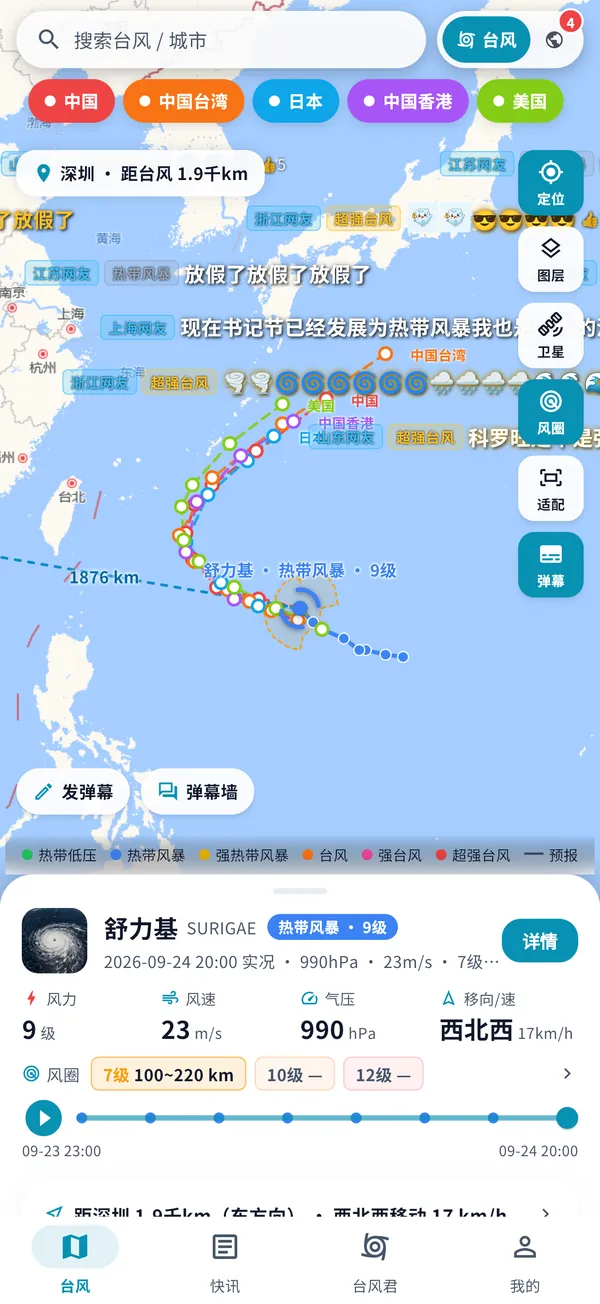
Official data from the CMA and others, updated about every 10 minutes, with multiple agency forecasts side by side.
Native location shows how far the typhoon center is and what local wind and rain to expect.
Push alerts when a typhoon forms, strengthens, makes landfall or nears your city, even when the app is closed.
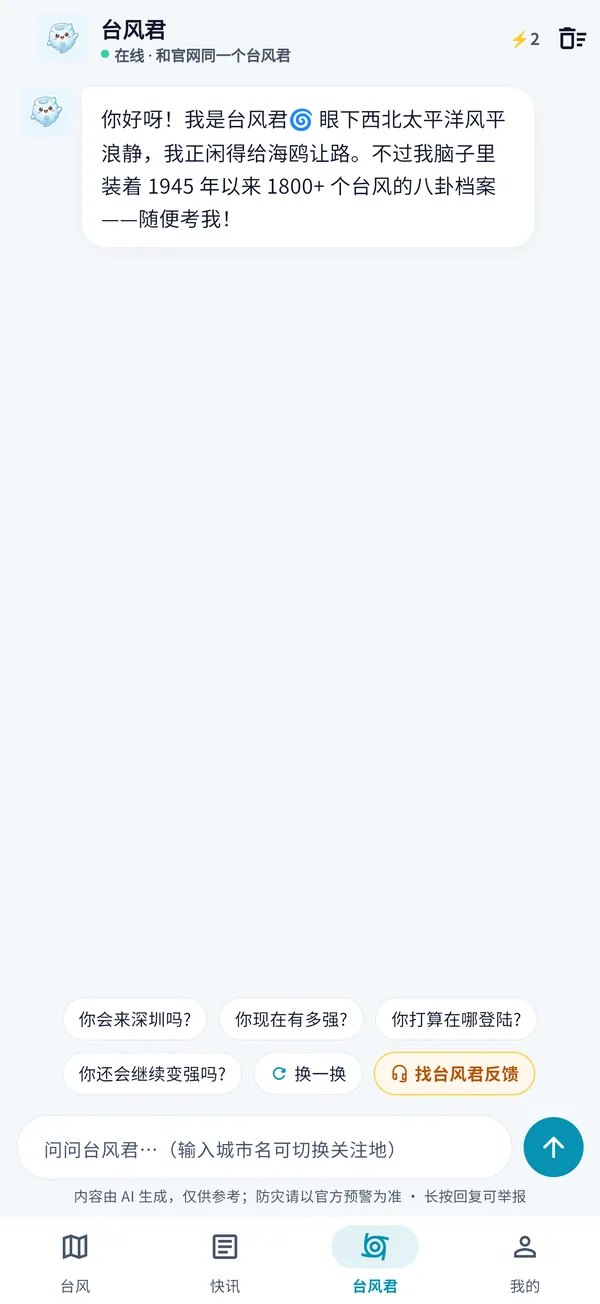
Plain-language answers: where it is going, whether it will strengthen and what it means for your city.
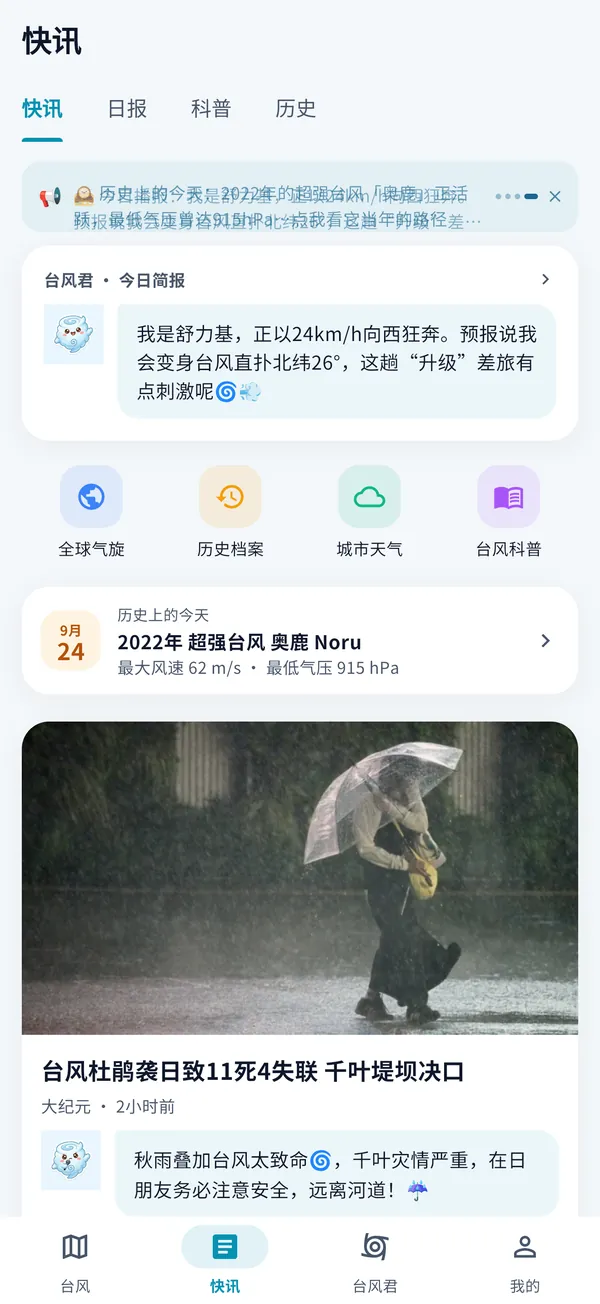
Curated typhoon news with commentary, plus a daily briefing and explainers.
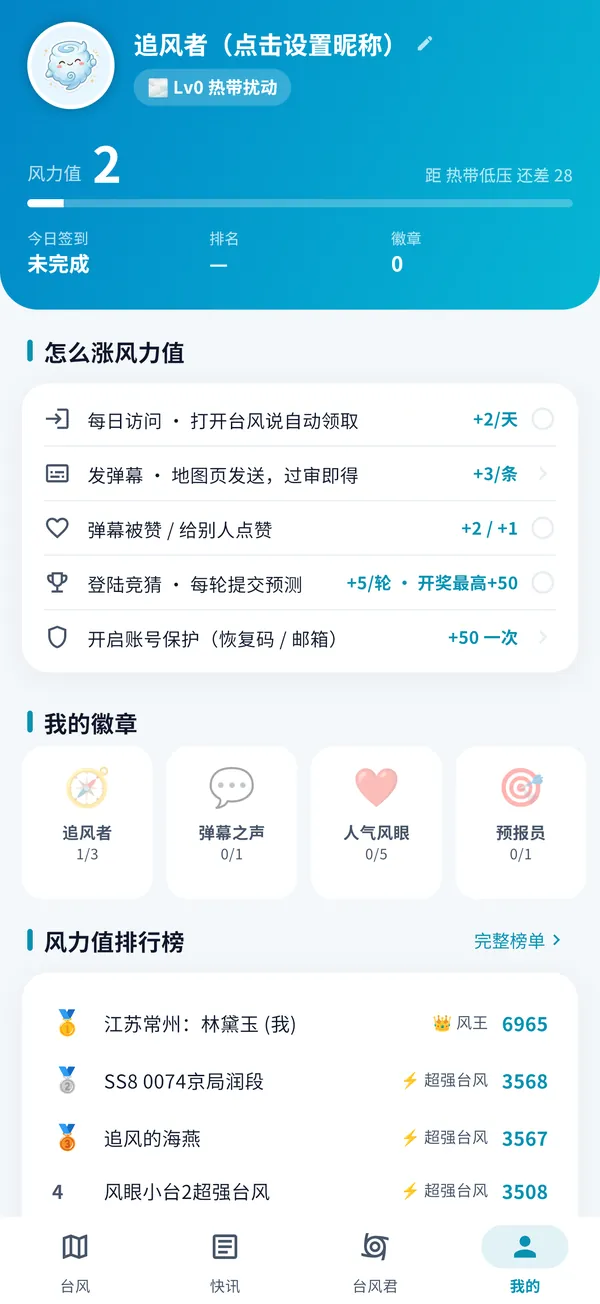
A mini runner game chasing typhoons on a cloud, with daily rankings synced to your web account.
Real screenshots from the app.


The APK is served directly from taifengshuo.com. No third-party stores, no bundled software.
Tap “Download for Android” above, or scan the QR code from a computer. The file is named taifengshuo-2.4.5.apk.
Android may warn about installing unknown apps. Tap Settings → allow this source → go back and continue. You only do this once.
Accept the privacy policy, allow Location to see the typhoon distance, and allow Notifications to get approach alerts.
Already installed? No need to come back: the app checks for updates on launch.
Bug fixes and improvements. See the Chinese page for full release notes.
b355f18ac5f55b2e79a124d49a5835635d32331622eb8fc2bb848807d043efb8Also works on Huawei and Honor phones running HarmonyOS 4 or earlier: just install this APK.
Join the public beta through Apple TestFlight: open the invite. Install TestFlight from the App Store first.
A native HarmonyOS NEXT build is going through signing and testing, and will be offered here.
The iOS app is in public beta on Apple TestFlight. Install the free TestFlight app from the App Store, then open this invite link and tap “Accept” → “Install”. Each beta build is valid for 90 days, and new builds are delivered by TestFlight. The App Store release will follow.
TyphoonSays is a free, independently built project. Our website is the official channel for the Android app: no review delays, so updates ship as soon as they are ready during typhoon season. The APK is served over HTTPS with a SHA-256 checksum.
This is the normal warning for apps installed from a website. Tap Settings → allow apps from this source → go back and continue. You only need to do this once.
Make sure your phone runs Android 7.0 or later and the download completed (it should be 42.3 MB). If you installed a same-named app from another source, uninstall it first. Still stuck? Tell us via Contact.
Same data and same account. The app is native: smoother map gestures, system location, streaming answers from the typhoon guide, offline cache of the last data, plus push alerts that the web cannot do.
Location only when you tap “Locate”, to calculate the distance and local weather; Notifications for typhoon alerts. It does not read contacts, photos or SMS and contains no ad SDKs. Anonymous usage stats can be turned off in Me → Privacy & Data. See our privacy policy.
Yes. The app and website share one account. If the app shows a new identity, generate a recovery code on the website leaderboard and enter it in the app.
No need to come back. The app checks on every launch and updates in one tap via the China mirror.
42.3 MB, installed in a minute. We will alert you when a typhoon approaches.
WeChat and QQ browsers cannot download APK files